


No. 1 Clinic Management System for Small & Large Clinics

Streamline and Optimize Clinical Operations for Better Efficiency
Effortlessly streamline your clinic's administrative, clinical, and financial operations to enhance efficiency and focus on delivering quality patient care.

Why MocDoc CMS?
Transform your clinic with MocDoc CMS-an all-in-one solution designed to boost efficiency and drive growth. Our Clinical Management System is meticulously crafted to elevate your operational effectiveness, streamline workflows, and drive financial growth.
Versatile Appointment Management
Efficiently managing appointments has never been easier with MocDoc's versatile appointment management system. Our solution offers multiple views and a range of features that make the front desk's job more manageable and enhance patient experience
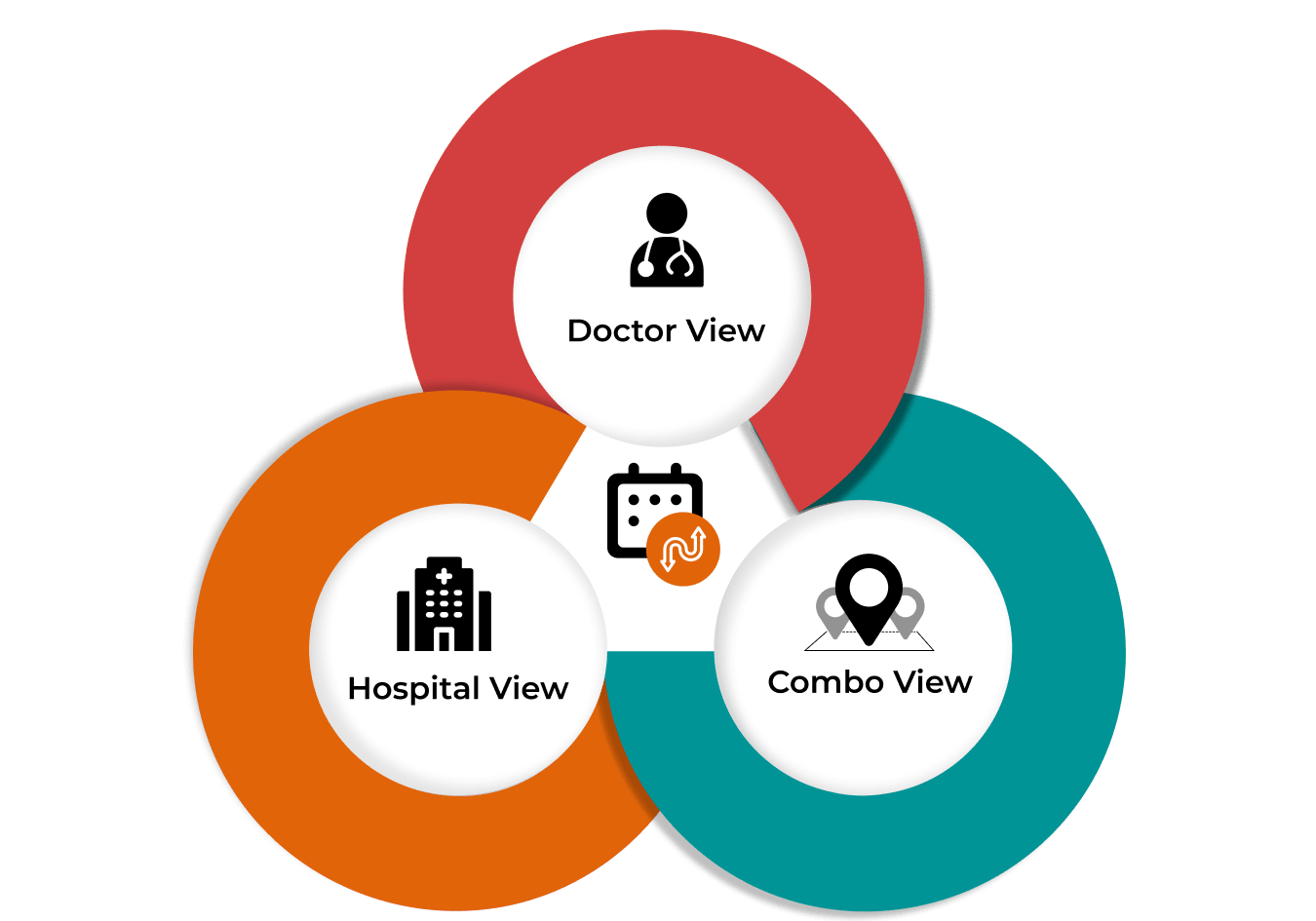
- Doctor View: Manage all bookings for an individual doctor on a dedicated screen, streamlining their schedule for a personalized approach.
- Hospital View: Oversee and manage appointments for all doctors in your facility on one screen, enabling seamless multi-specialty booking.
- Combo View: Coordinate a single doctor's appointments across multiple locations from a single interface, ideal for clinics with multiple branches.

- Real-Time Alerts: Send instant updates for confirmations, reschedules, or cancellations.
- Custom Notifications: Customize alerts based on appointment types and preferences.
- Multiple Channels: Send notifications via SMS, WhatsApp, and email to ensure broad reach.
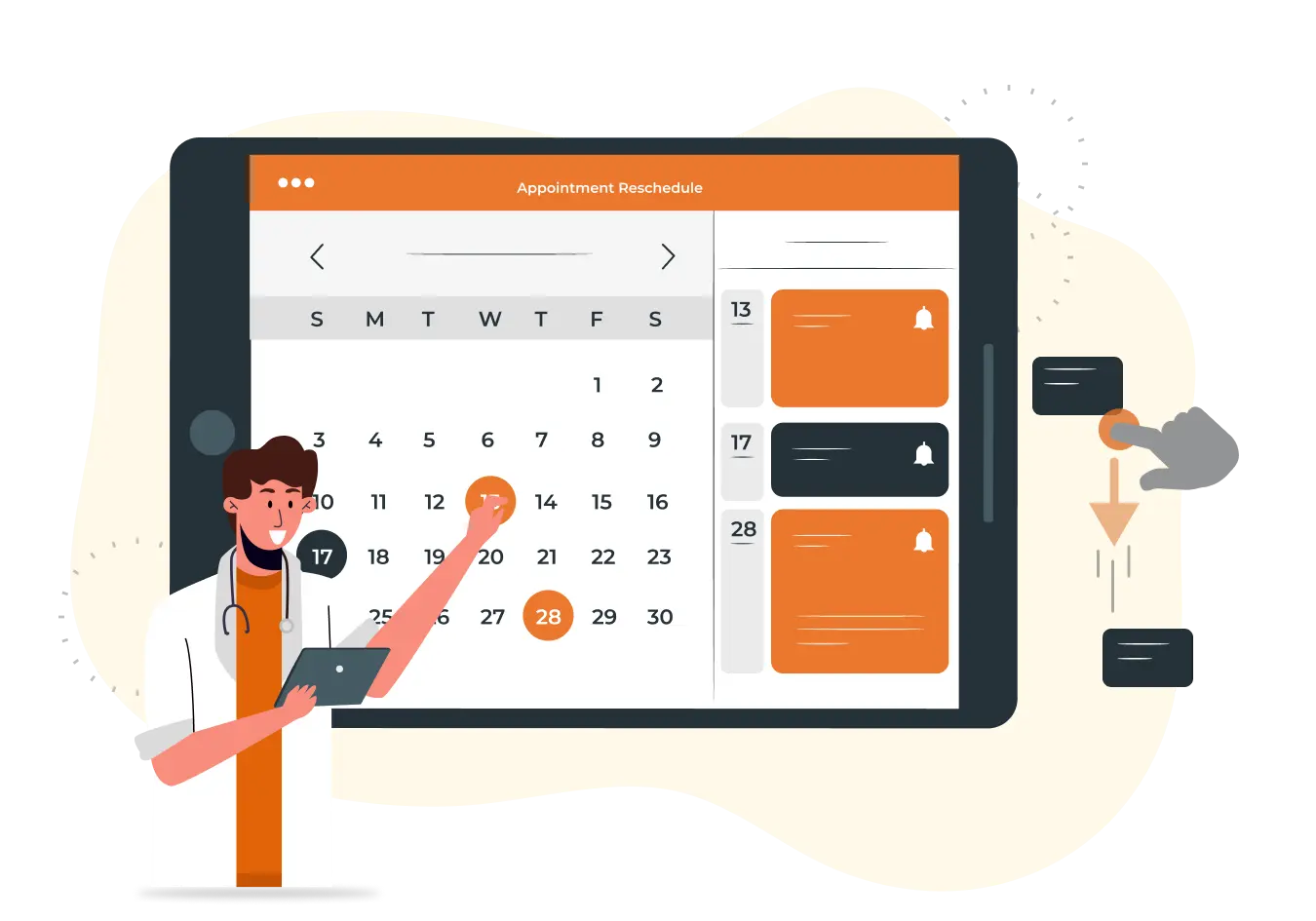
- Drag and Drop: Move appointments easily by dragging and dropping.
- Handle Requests: Manage reschedule requests swiftly and update schedules.
- Optimize Schedule: Adjust and optimize appointment slots to reduce conflicts.
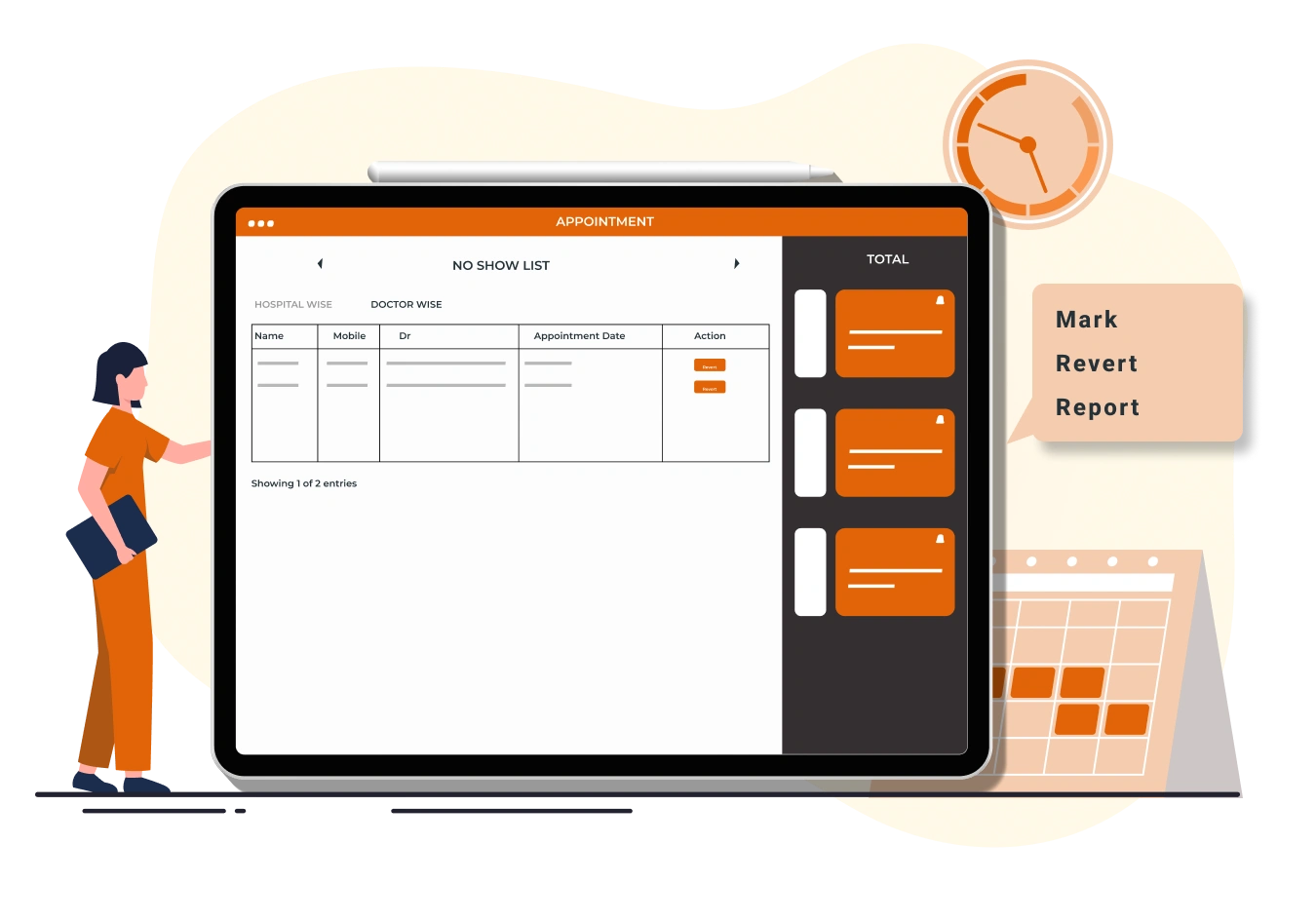
- Mark No Shows: Easily tag missed appointments to keep records accurate.
- Revert No Shows: Quickly reschedule missed appointments to a new time.
- Report No Shows: Generate reports to analyze no-show trends and adjust policies.

- Add to Waiting List:Place patients on a waiting list when slots are full.
- Convert to Appointment: Turn waiting list entries into appointments as slots open up.
- Offer Alternatives: Provide next available dates to waiting list patients.
Check-In Command Center
The Check-In Command Center is an all-in-one interface designed to empower your front office staff with tools to efficiently manage patient check-ins and streamline clinic operations. This dynamic dashboard provides a comprehensive overview of all patients who have checked into the clinic, allowing staff to perform a wide range of actions quickly and effectively.

- Provides an easy-to-view list of all checked-in patients in one place.
- Displays key details such as appointment status, billing information, and patient demographics.
- Helps front office staff stay organized, informed, and prepared for patient interactions.

- Allows staff to generate bills directly from the dashboard, reducing the need for switching between systems.
- Enables access to detailed patient appointment information and their dashboards for better oversight.
- Facilitates patient feedback collection, vaccination scheduling, and patient check-out processes, all from the same interface.

- Instantly identifies which bills have been created and which are still pending.
- Ensures that all financial processes are up-to-date and accurate, minimizing errors.
- Provides staff with clear visibility on the financial status of each patient visit, enhancing billing efficiency.

- Filters patients by checked-in or checked-out status to manage the flow of patient care.
- Allows filtering by doctor to focus on specific schedules or patient groups.
- Offers location-based filtering for multi-location clinics, providing a tailored view of patient activity.
Comprehensive Outpatient Case Sheets
Unlock the full potential of patient management with our detailed Outpatient Case Sheets. MocDoc's comprehensive OP casesheet templates are designed to streamline documentation across various specialties, enhancing accuracy and efficiency in patient care.

- Broad Range: Access over 15+ specialized OP case templates tailored for fields such as General Medicine, Dental, Cardiology, Oncology, OBG, Ophthalmology, Diabetics, Orthopedic, IVF, Ayurvedic, Naturopathy, Veterinary, Pediatric, Homeopathy, ENT, and more.
- Specialty-Specific: Each template is meticulously designed to capture detailed information relevant to its specialty, ensuring that all necessary data is recorded accurately.

- Tailored Content: Examination sections are crafted to meet the specific needs of each specialty, providing comprehensive fields and prompts that ensure no critical information is missed.
- Streamlined Workflow: Enhance efficiency with structured forms that facilitate easy data entry and retrieval, optimizing the documentation process for both clinicians and administrative staff.

- Accurate Records: Maintain precise and complete patient records with specialized templates that reflect the unique requirements of each medical field.
- Improved Documentation: Benefit from well-organized case sheets that support better clinical decision-making and continuity of care.
Quick Prescription
The Quick Prescription is a cutting-edge, feature-packed tool designed to revolutionize the prescribing process for doctors. This intuitive platform combines efficiency, precision, and flexibility, empowering healthcare professionals to deliver top-notch patient care.

- Provides a user-friendly graphical chart displaying patient vital signs.
- Enables quick review of essential health metrics, ensuring informed decision-making.
- Helps doctors make timely and accurate diagnoses by having vital information readily accessible.
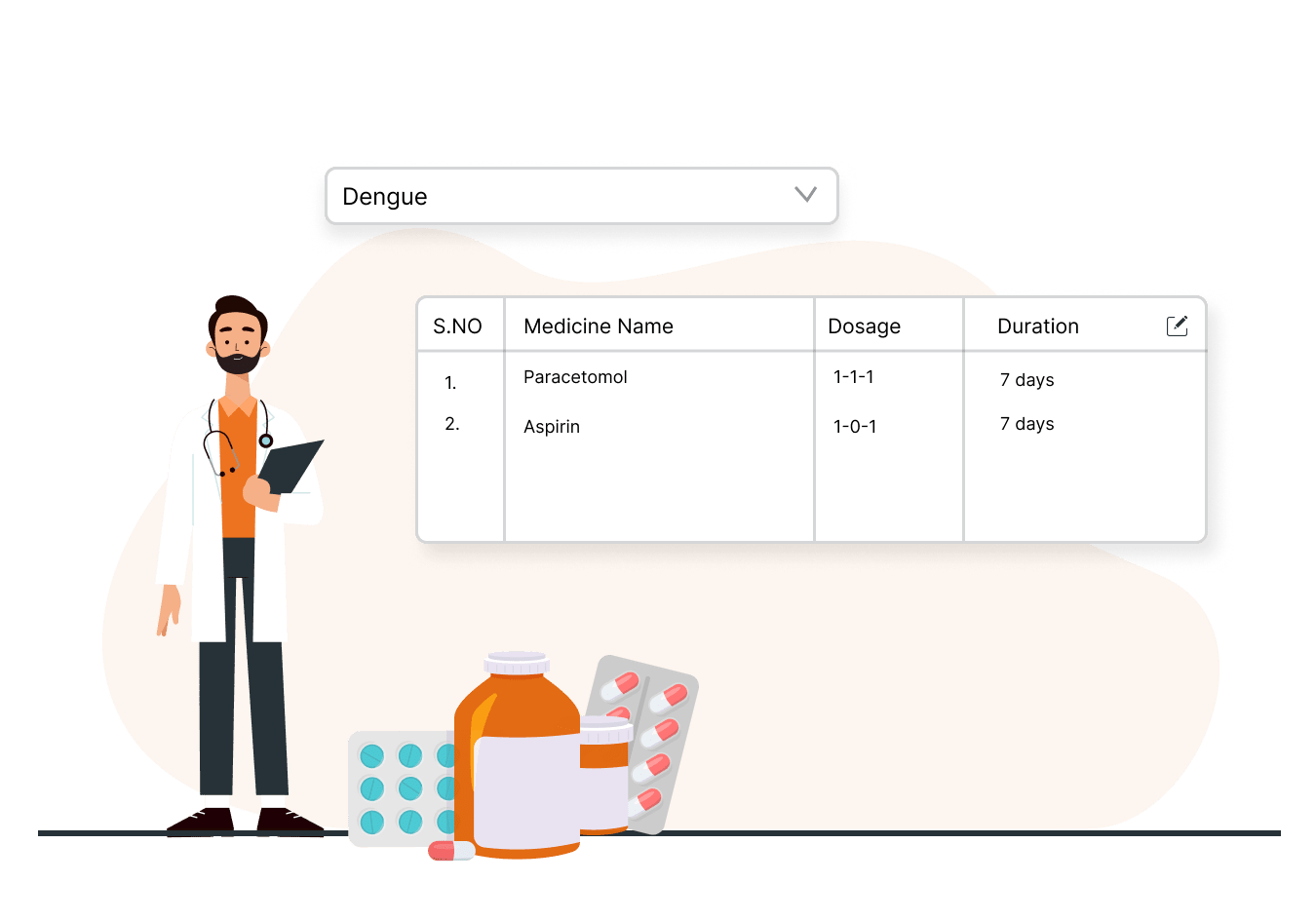
- Offers pre-configured medication lists tailored to specific diagnoses.
- Allows doctors to simply select a diagnosis, and the relevant medications are auto-populated for quick prescription.
- Enhances prescription accuracy and saves time during consultations by reducing manual entry.
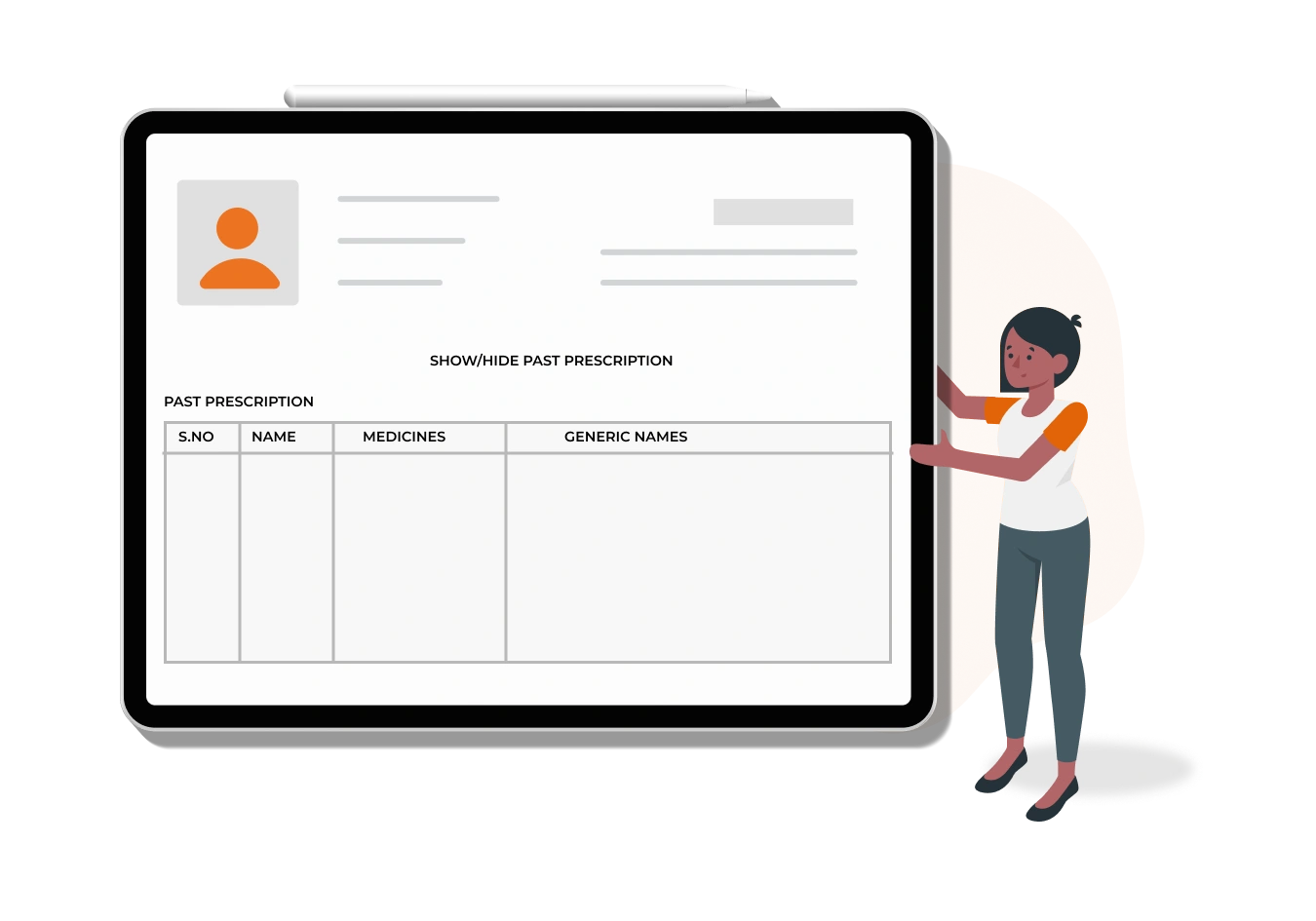
- Enables doctors to retrieve and reuse medications from previous prescriptions effortlessly.
- Streamlines the process for recurring treatments, especially for patients on long-term medication plans.
- Ensures consistency in treatment by quickly referencing and reapplying past prescriptions.
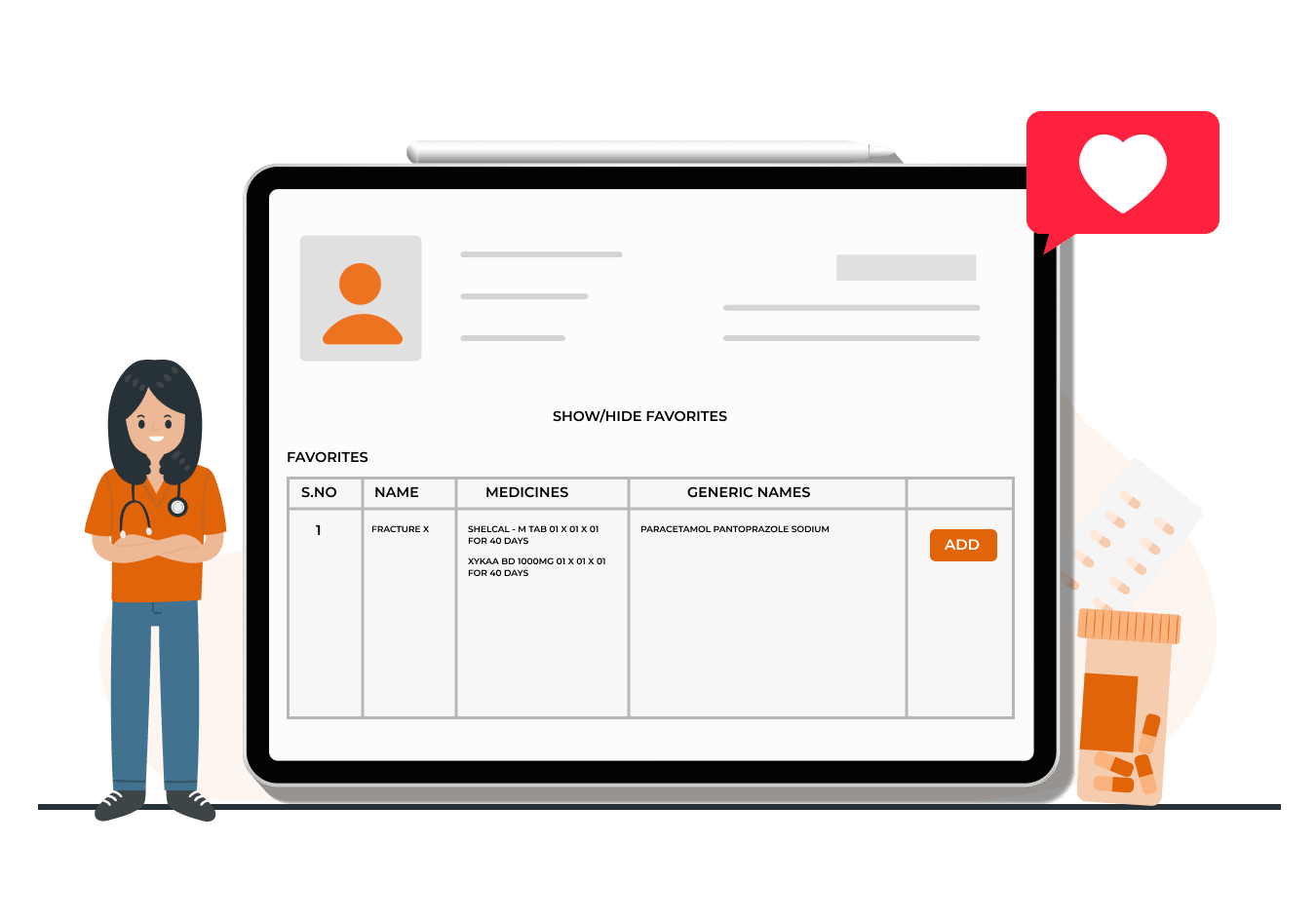
- Allows doctors to save frequently prescribed medication sets as 'favorites' with custom names.
- Medication sets can be added to prescriptions with a single click, speeding up the prescribing process.
- Ensures consistency in treatment and reduces time spent on repetitive entries.
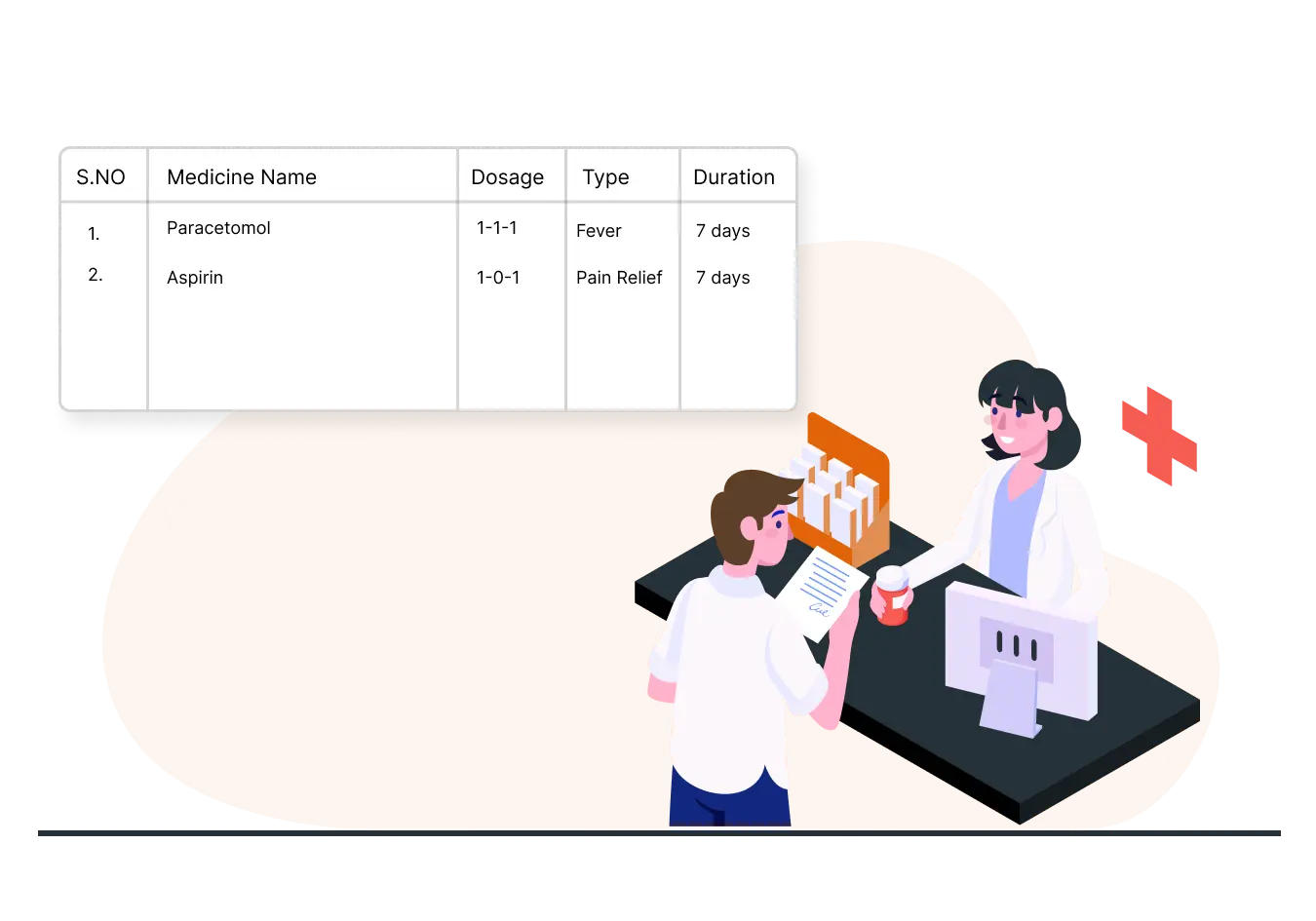
- Automatically includes pre-configured attributes such as dosage, type, frequency, and instructions when adding medications.
- Reduces the need for manual data entry, improving prescription accuracy and saving time.
- Minimizes errors related to dosage or instructions by standardizing medicine attributes across prescriptions.
Flexible Billing Workflows
MocDoc's outpatient module offers multiple billing workflows to enhance flexibility and efficiency in managing patient charges. These three distinct workflows cater to different operational needs, making billing straightforward and adaptable.

- Front office staff can quickly generate outpatient (OP) bills by selecting services, investigations, or treatments directly from the billing screen.
- This fast-track billing method is ideal for routine billing, allowing quick and accurate processing of patient charges.
- It minimizes delays and simplifies the billing process for common procedures, enhancing operational efficiency.

- Billing is controlled by the doctor, who lists all required services and investigations on the patient's case sheet.
- The front office staff then generates the bill based strictly on the doctor's entries, ensuring that the charges align with the doctor's directives.
- This method ensures precise billing, avoiding discrepancies between treatment plans and financial records.

- This hybrid workflow allows flexibility by combining the Quick Bill and OP Case Sheet Billing methods.
- Front office staff can choose the most appropriate billing method based on the situation, ensuring a customized and efficient billing process.
- It offers a balance between speed and accuracy, enabling adaptability to various patient billing scenarios.
Comprehensive Medical Coding Support
MocDoc CMS simplifies compliance with medical coding standards, ensuring accurate data, smooth operations, and efficient insurance claim processing.
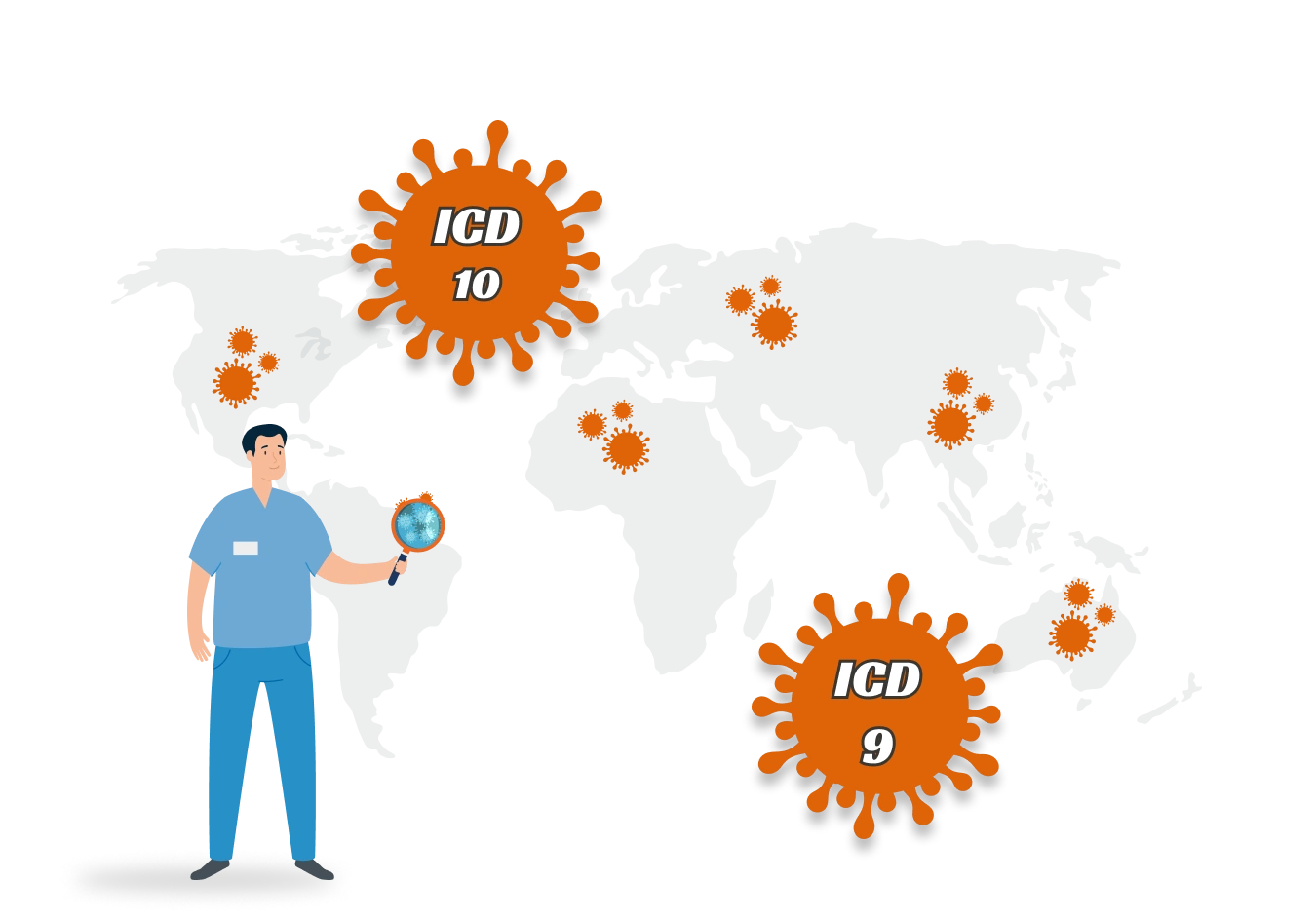
- Full support for ICD-10 and ICD-9 codes enables accurate documentation of diagnoses and procedures.
- Standardized medical reporting helps maintain consistency and ensures compliance with industry regulations.
- Facilitates seamless communication with insurance companies and medical databases.

- Supports seamless data exchange and interoperability across systems using LOINC codes.
- Ensures precise identification of laboratory and clinical observations, improving data accuracy.
- Enhances collaboration between different medical institutions by standardizing lab result reporting.
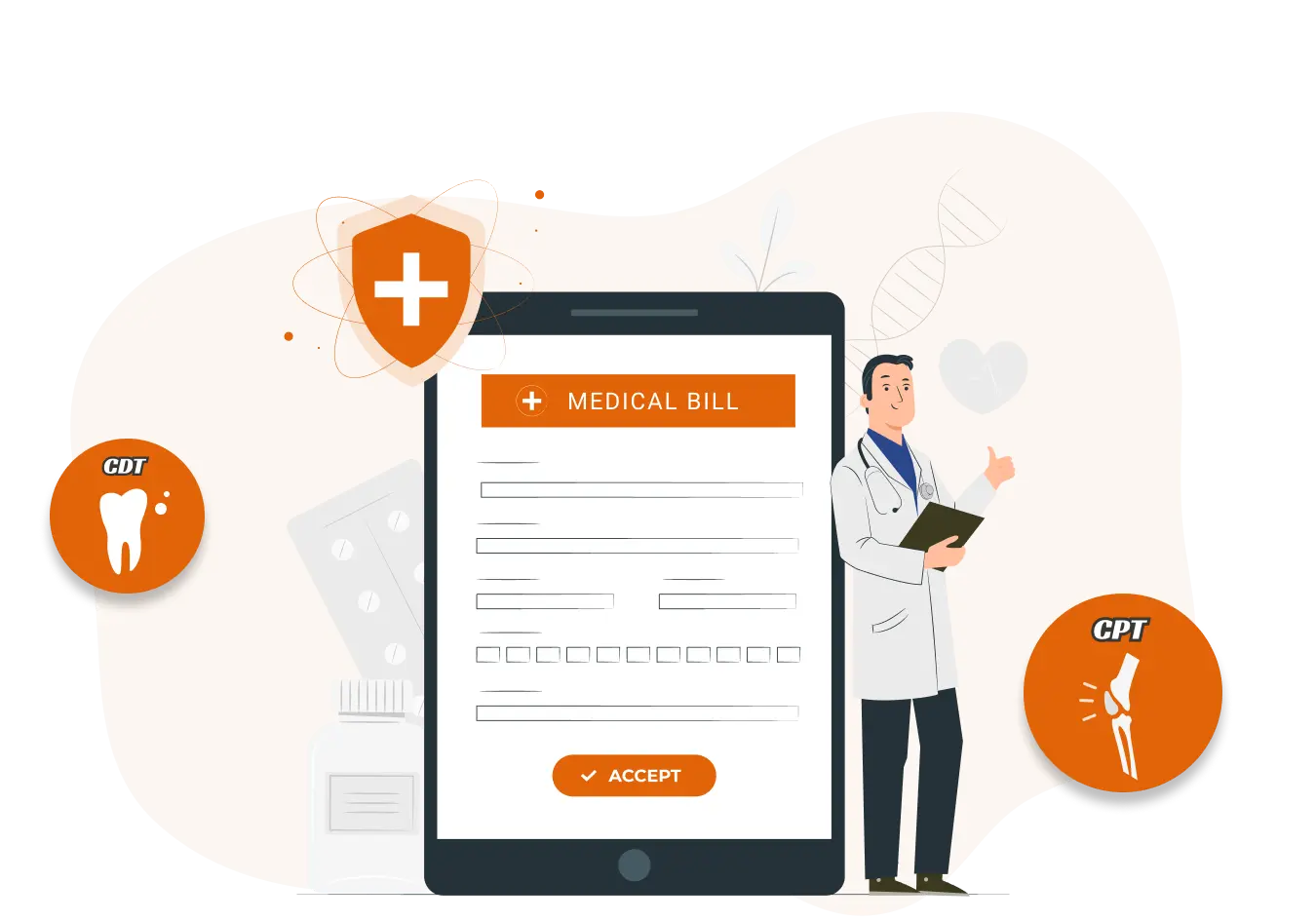
- CDT codes simplify dental procedure documentation, enhancing billing accuracy for dental clinics.
- CPT code support streamlines billing and insurance claims for a wide range of medical services and procedures.
- Ensures efficient and accurate reimbursement processes, reducing claim denials and administrative burden.
Comprehensive Medical Coding Support
MocDoc provides healthcare professionals with a robust suite of over 1,000 customized reports that deliver critical insights across various operational areas within the hospital. This comprehensive reporting capability is essential for optimizing performance, enhancing patient care, and supporting strategic decision-making.

- Access detailed reports on OPD billing transactions and revenue, focusing on performance metrics and payment monitoring to enhance financial sustainability.
- Gain insights into pharmaceuticals and medical supplies, ensuring optimal inventory levels and improving pharmacy operations through data analysis.
- Analyze patient flow by reviewing visit statistics, aiding in resource allocation and understanding admission and discharge trends for better care coordination.
- Monitor the status of laboratory investigations, ensuring timely results and evaluating turnaround times to identify workflow bottlenecks.

- Utilize the 'exclude fields' option to customize reports by removing unnecessary columns, allowing for a more focused presentation of data.
- Highlight relevant metrics that enhance decision-making processes for healthcare professionals, ensuring clarity in analysis.
- Tag frequently accessed reports for quick retrieval, streamlining navigation and keeping essential data readily available for efficient workflows.

- Configure personalized reports to be sent via email at the end of each day, keeping healthcare administrators updated on key metrics.
- Receive consolidated insights effortlessly, enabling timely and informed decision-making without the need to sift through multiple reports.
Patient Portal
MocDoc's dedicated Patient Portal revolutionizes how patients manage their health by providing a centralized, secure platform for accessing comprehensive medical records. Designed for seamless user experience, the Patient Portal empowers patients to take control of their healthcare journey through a range of valuable features.

- Utilize a robust user login system to ensure confidentiality and security.
- Enjoy peace of mind while accessing sensitive health information.

- Add family members to your account for easy access to their medical records.
- Manage and view records of those registered at any participating hospital.
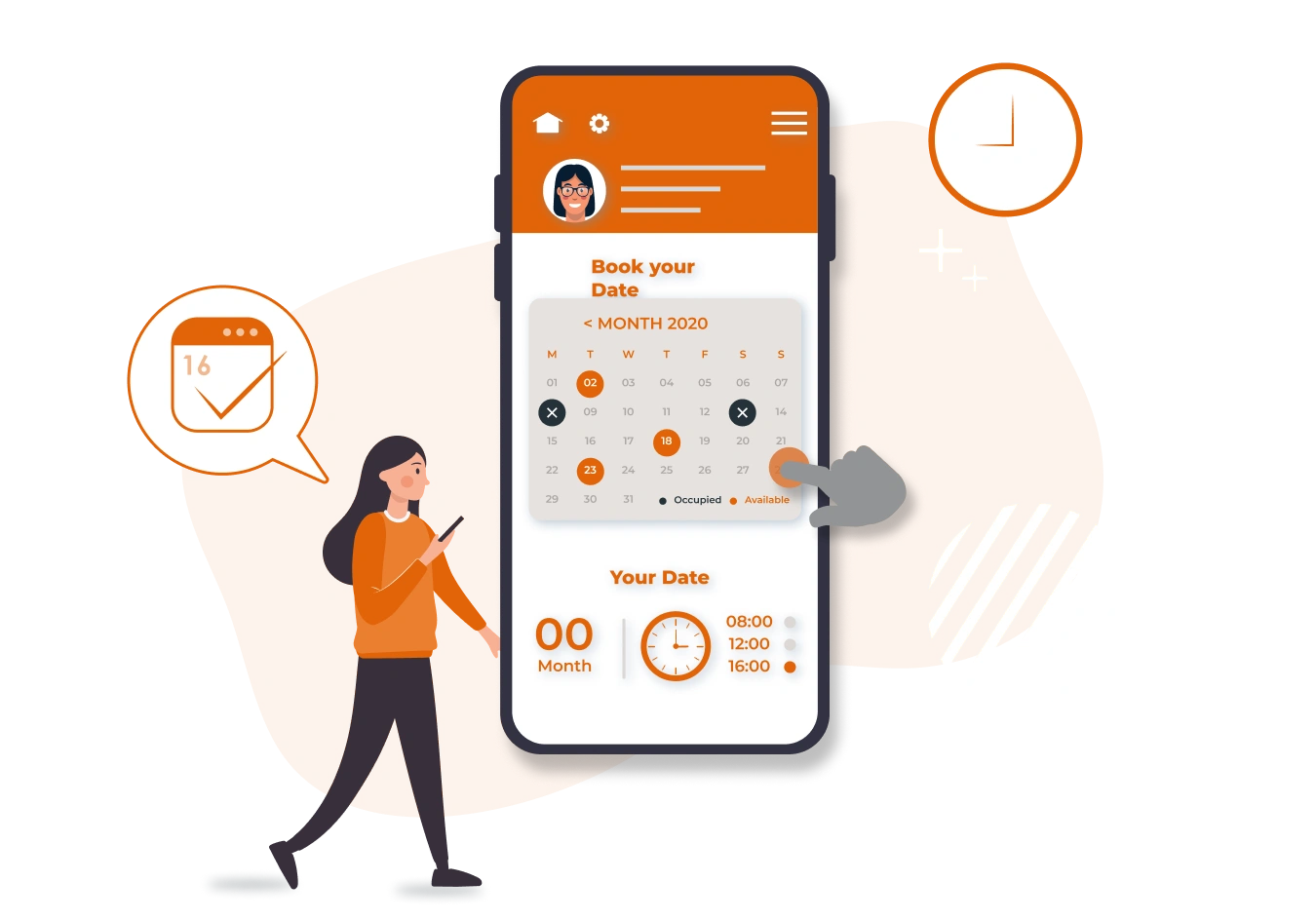
- Effortlessly book appointments with any associated hospital.
- Ensure timely access to healthcare services with user-friendly scheduling.

- Sign up and log in to view complete medical history across multiple hospitals using MocDoc.
- Access a wide range of records, including OP case sheets, IP case sheets, lab reports, and bills.

- Create and manage health folders to upload relevant medical documents.
- Facilitate organized health information management for easy retrieval.
Advanced Security Suite
MocDoc CMS offers a multi-layered security suite to protect clinic data and ensure that only authorized users access sensitive information.
- Restricts system access to authorized IP addresses within the hospital, preventing external logins.
- Enhances security by ensuring that only approved devices can connect to the system, reducing the risk of cyberattacks.
- Provides an extra layer of protection for sensitive patient and operational data
- Automatically logs out inactive users after a configurable time, reducing the risk of unauthorized access.
- Ensures that sensitive information isn't left exposed when a user forgets to log out.
- Enhances data protection by limiting access to unattended devices.
- Limits access to sensitive MIS report print and download functions, ensuring only authorized users can handle critical data.
- Patient mobile numbers are masked by default, with unmasking actions logged and monitored.
- Excessive unmasking attempts trigger alerts to the clinic owner, protecting patient privacy and ensuring data transparency.
Key Features of MocDoc Clinical Management System
MocDoc Clinical Management System (CMS) offers a suite of powerful features designed to streamline clinic operations, enhance patient care, and improve communication. Each feature is crafted to optimize efficiency and ensure seamless patient experiences.
Registered Patient Records Display
Automatically displays existing patient records when a mobile number is entered during registration, preventing duplicate entries and facilitating quick check-ins or billing.
Merge Patient Duplicate Records
Duplicate patient entries can be easily merged with all records concerning a single patient. This keeps the patient database clean and organized.
Patient Timeline
Provides a comprehensive overview of a patient's history in two formats: a Table View for a summary of financial transactions and a Graphical View for a chronological display of complaints, treatments, and investigations.
Triage Management
Allows nursing staff to capture vitals, medical history, and other relevant information directly on the OP check-in and billing screens, ensuring easy access to critical patient data for timely decision-making.
Token Management
Generates unique tokens for patients upon check-in, ensuring an organized flow for consultations based on their token number.
Omnichannel Notifications
Sends automated notifications for registrations, appointments, and billing via SMS, email, or WhatsApp, ensuring timely communication with both patients and doctors.
Learn moreAddressing Key Operational Challenges in Clinics

Adapting to Regulatory Changes
Frequently changing healthcare regulations can create compliance challenges for the management. MocDoc CMS helps clinics stay ahead of these changes. We integrate the latest coding standards and regulatory requirements, minimizing the risk of non-compliance and penalties.

Managing Multi-Specialty Practices
Operating a clinic with multiple specialties requires a system that can handle diverse needs without compromising on efficiency. MocDoc CMS offers specialized templates and workflows that cater to various medical fields, ensuring smooth operation across all departments.

Integrating New Technology
Incorporating new technology into existing workflows can be disruptive and costly. MocDoc CMS is designed to seamlessly integrate with other systems and technologies, providing a future-proof solution that evolves with your clinic's needs.

Handling Patient Data Privacy and Security
Safe-guarding patient information is more important than ever due to rising privacy concerns and data breaches. MocDoc CMS keeps data safe with strong encryption and international standards. Rest assured, patient records stay secure all the time.

Improving Staff Training and Adaptation
Adopting a new system can be challenging for staff, causing resistance or slow adaptation. Our solution is user-friendly and includes training and support. Your team can adjust quickly and make the most of its features.
Our customers back our stack too!
Many of our 1500+ customers purchase a set of our products to achieve their goals.
We selected MocDoc after running through at least 15 different HISs. Absolutely no regrets. The most I like with MocDoc is the quick and prompt response of the MocDoc team to solve any difficulties, both regarding the usage and technical issues.
We started using MocDoc after having a very bad experience with another HMS. The software is very user-friendly and the support team, led by Mr. Sidique, is always there to help. We strongly recommend MocDoc.
The software quality is consistently outstanding, exceeding our expectations every time and we would highly recommend this business. Their customer service is also second to none.

Frequently Asked Questions
Choose software that aligns with your clinic's size, workflow, and budget. MocDoc CMS offers a customizable, user-friendly, and cost-effective solution tailored to meet your specific needs.
MocDoc CMS stands out for its comprehensive features, seamless integration, and intuitive design, making it highly recommended by healthcare professionals across India.
Yes, MocDoc CMS is highly adaptable to meet global healthcare standards, including regulatory compliance and multilingual support, ensuring it works for international clinics and hospitals.
Simply contact our team to schedule a demo. We'll guide you through setup and customization, ensuring it fits your clinic's unique requirements.
Absolutely. MocDoc CMS employs advanced encryption, secure authentication, and regular updates to safeguard patient data and ensure regulatory compliance.
Yes, MocDoc CMS enables centralized management of multi-location clinics, allowing seamless coordination and data sharing across all branches.